On this page
Assessment and evidence
Prepared with AI assistance from public manufacturer and seller information. No hands-on test was performed. Prices and rating counts are dated listing snapshots, not guaranteed current offers. AL-Naqawa does not sell these products; seller links contain no affiliate tracking.
If your Azan clock shows an unexpected prayer time, first record exactly what differs. Separate a wrong civil clock time from a different displayed prayer schedule, and separate both from a reminder that sounds at an unexpected moment. Those observations lead to different questions.
This is a diagnostic worksheet, not a model-specific button guide. Consult the instructions for your exact clock and edition before changing settings. We have not tested every model discussed in this article.
Step 1: Record the symptom before adjusting anything
Write down the model, date, displayed local time, location setting, affected prayer and the schedule you are comparing against. Note whether the difference is roughly an hour, a few minutes or limited to one reminder. Photograph the screen and record when the sound actually occurs.
Do not begin by applying an offset simply to make one number match. First establish whether the issue concerns the base clock, the chosen schedule or a separate alarm. Otherwise, an adjustment can hide the original cause and make later support harder.
Step 2: Check the civil time and date
Compare the clock's ordinary time and calendar date with a trusted local reference. Review the time-zone and daylight-saving settings where your model provides them. A roughly one-hour difference is a reason to inspect those settings, not proof that daylight saving is the cause.
Use the manual to understand whether the unit expects standard time or a daylight-saving adjustment in a particular field. Avoid applying the same correction in two places. Change one setting at a time and keep a note of the result.
Step 3: Confirm the intended location and schedule
Check that the selected city is the one you intend to use. If the model allows coordinates or another location method, follow its instructions carefully rather than borrowing values from an unrelated device.
When comparing with a mosque timetable, identify what each number represents. Ask whether the reference shows the prayer's beginning, a congregation time or another reminder. A mismatch between different kinds of times is not, by itself, proof that the clock is defective. If the calculation or local timetable choice is unclear, ask the mosque or manufacturer which configuration matches your intended reference.
Step 4: Separate display and audio behaviour
These are investigation paths, not confirmed diagnoses. Do not infer a hardware failure from the table alone.
| Observation | Next question |
|---|---|
| Ordinary time is wrong | Are the base time, date and relevant time-zone settings correct? |
| Ordinary time is right but prayer times differ | Are location and schedule settings appropriate for the reference? |
| Display looks right but sound occurs elsewhere | Is another alarm, offset or reminder mode active? |
| Behaviour changes after a power interruption | What does the manual say about power and settings retention? |
Step 5: Use the correct official support route
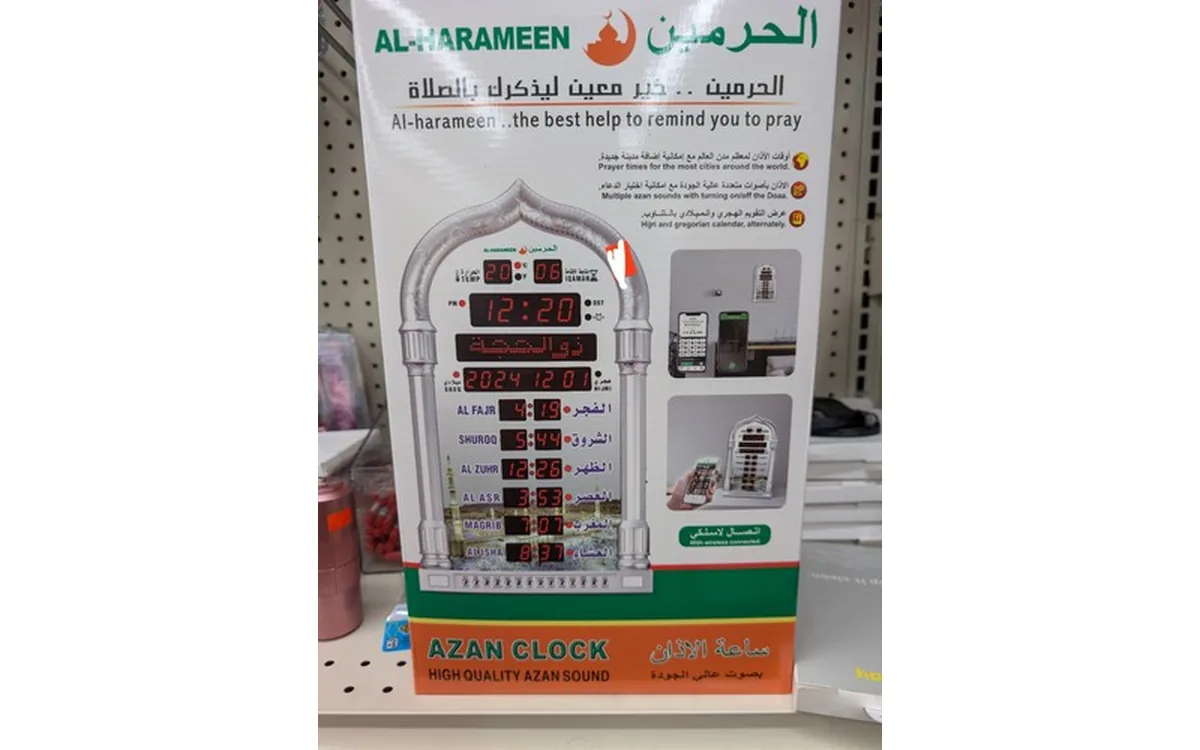
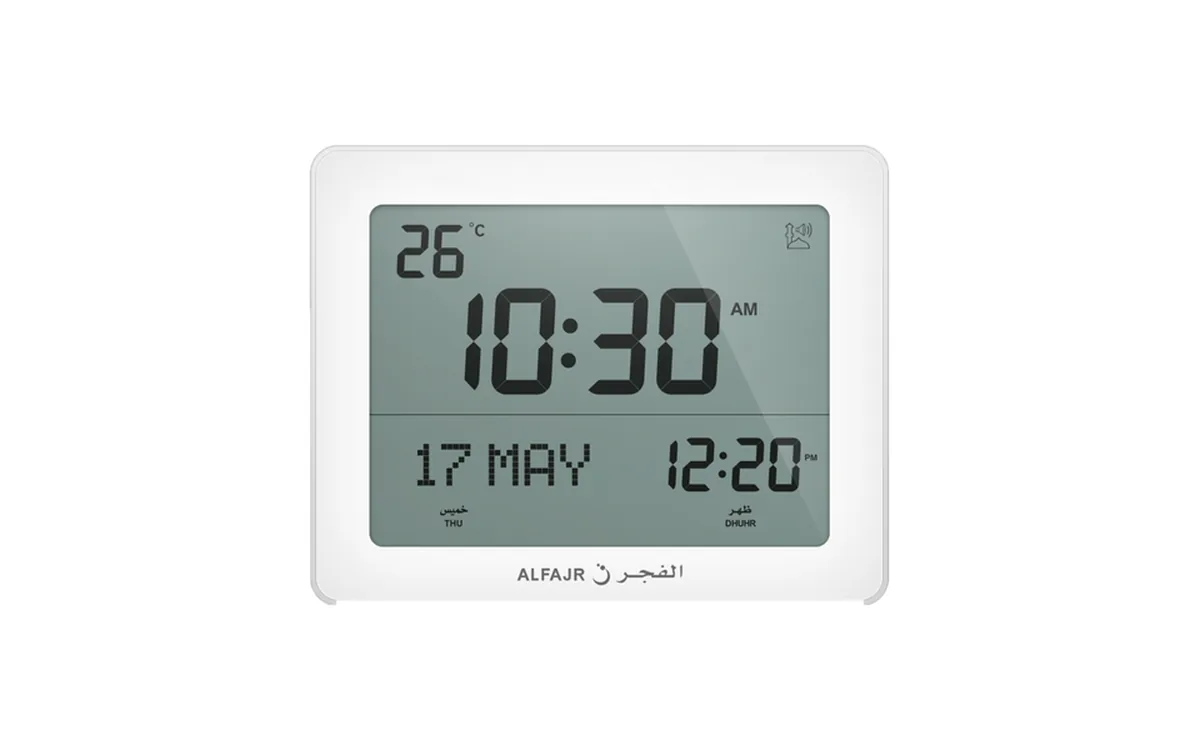
Start with ALFAJR user guides for an Alfajr model. For Al-Harameen, use the AL-HARAMEEN official support and its linked AL-HARAMEEN Clock Doctor tool. Match the model and edition to the guide, since controls can differ.
Send support your recorded settings, reference timetable, photographs and the exact behaviour. “The display shows this time, but the reminder sounds at that time” is more actionable than “the clock is inaccurate.” If a reset is recommended, first record the existing settings so you can restore the intended configuration.
A sensible stopping point
Once the configuration matches your intended local reference, observe normal reminders over several days before making further corrections. If a discrepancy remains, ask for model-specific support rather than repeatedly compensating for it with manual offsets. This process helps distinguish a setup question from a fault without promising a universal fix.
Sources and further reading
- ALFAJR user guides ↗Checked 30 October 2026
- AL-HARAMEEN official support ↗Checked 30 October 2026
- AL-HARAMEEN Clock Doctor ↗Checked 30 October 2026
- AzanClk: Alfajr CF-19 white ↗Checked 31 October 2026