On this page
Start with a checked city
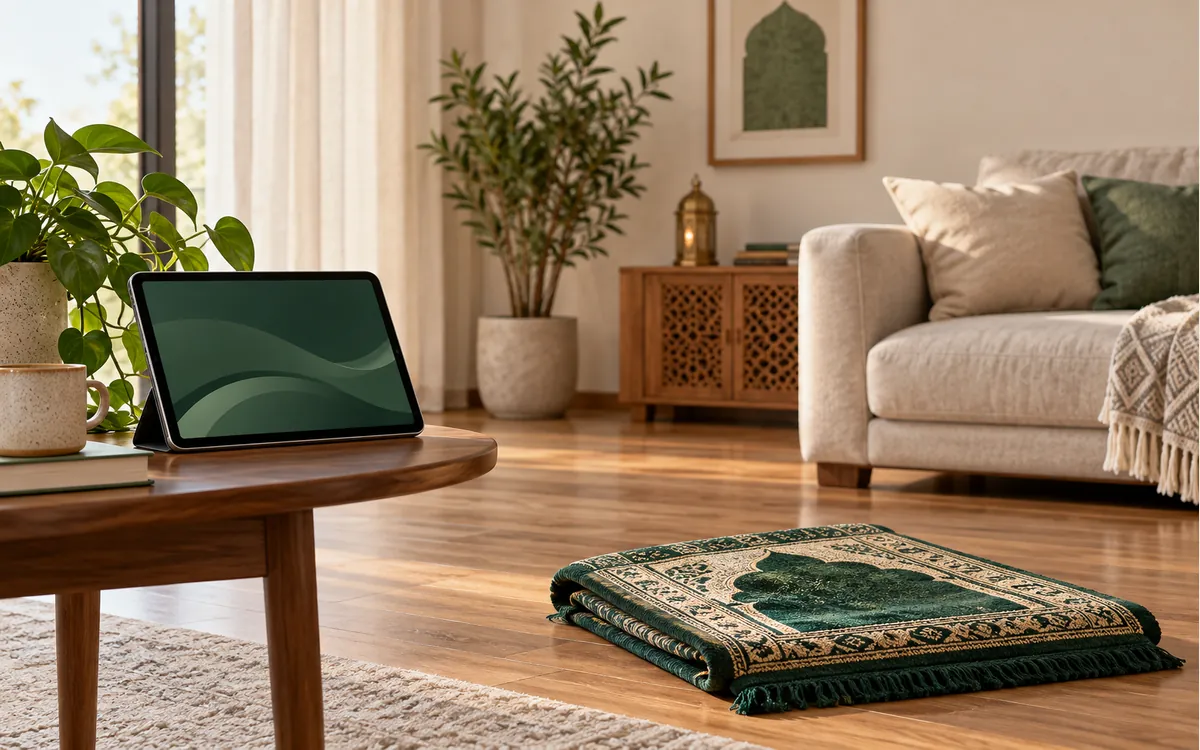
To use AL-Naqawa’s browser prayer display, open Focus display, choose a city and wait for the next-prayer information to load. Read the city and country before entering full screen. A large display is only useful when it is showing the location you intend.
The Focus page is a web tool you can use now. The native App and physical prayer clock remain in development; this guide does not require either product.
Prepare the display
Use a recent browser on the device you intend to leave in view. If you use particular calculation settings, review those on the prayer-times page and confirm the resulting values before relying on the display.
- Open Tools and choose Focus display.
- Use the city search to choose the correct country and place.
- Wait until loading finishes; resolve an unavailable or update-error message first.
- Check the city label and compare the next-prayer value with your intended timetable.
Enter full screen
Select Enter full screen on the Focus page. In a supporting browser, the next-prayer panel expands to fill the screen and provides an Exit full screen control. Try it while you can still adjust the device’s position and readability.
The browser may refuse a fullscreen request or may not support it in the current context. AL-Naqawa then shows an availability message. Continue in the ordinary page view, or try a compatible browser; the button is not a guarantee that every device can enter that mode.
Leave the display and make changes
Select Exit full screen to return to the page. Desktop browsers also commonly let you leave with Esc; MDN documents Esc and F11 as ways to exit fullscreen mode. Switching tabs or applications can also leave it.
Exit before changing the city or reviewing settings. After making a change, wait for the refreshed information and read the location again. The Focus page also has Print current times if a paper copy is more useful than an open browser.
Test the real setup
Leave the page in view for a short trial on the actual device. Check its legibility and return after any screen lock, sleep or network interruption to make sure the information has refreshed. Keep the browser’s display behaviour and your own device settings in mind.
This tool provides a visual next-prayer display. It does not set up system-level alarms or certify a mosque’s congregation time. Keep the relevant timetable available and check directly with your mosque when planning to join a congregation.
Sources and further reading
- AL-Naqawa: the current Focus display ↗Checked 29 October 2026
- MDN: entering, leaving and checking browser fullscreen mode ↗Checked 29 October 2026